Your collection


Every plant, its own page.
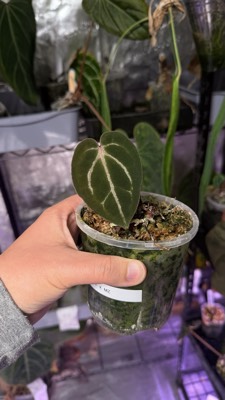
Add a plant with a photo and a name. Its page keeps every photo, note and status change, dated, for as long as you have it.

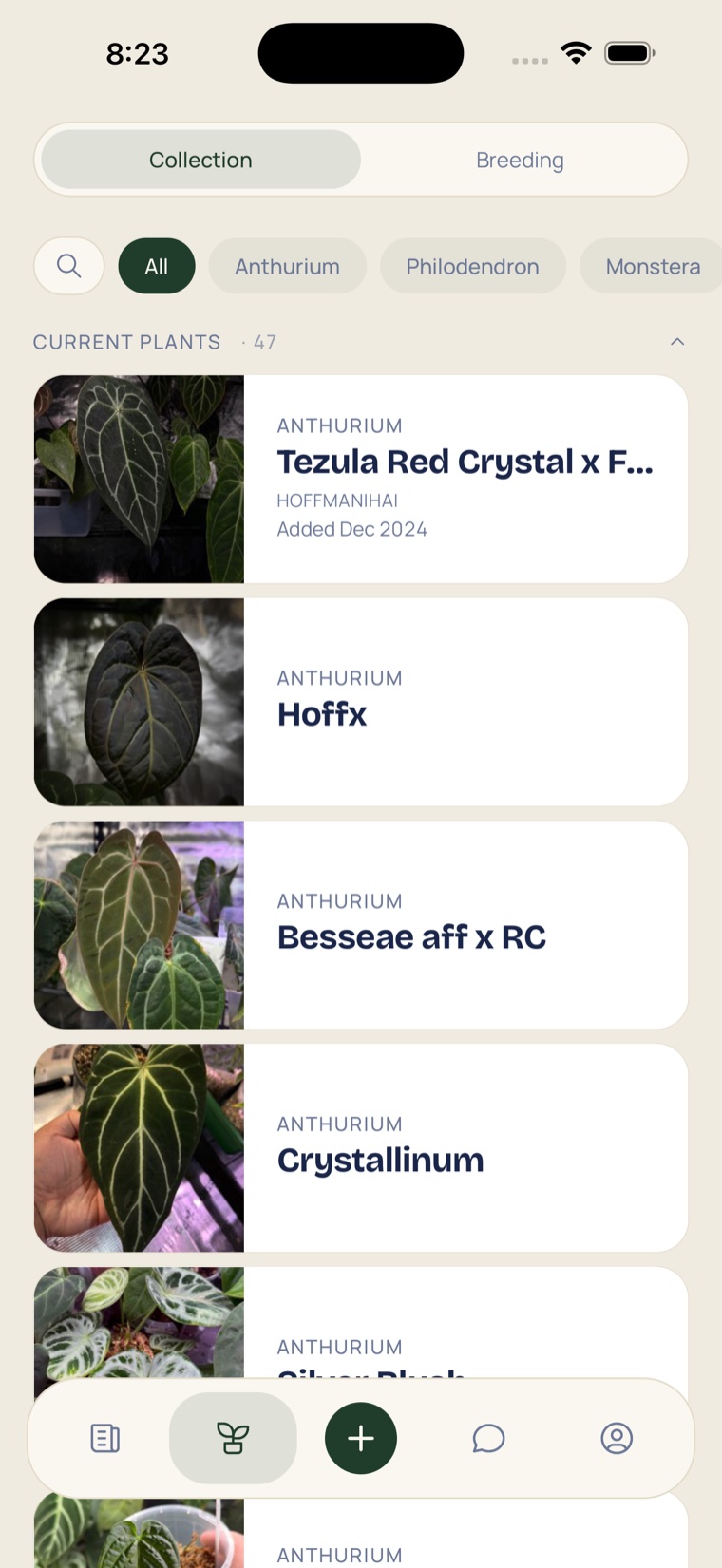
How it works
-
Add lots of plants
Add one plant, or lots in a row from the camera or your photo library, and name them afterwards.
-
The plant page
Photos newest first, where it came from and when, and a Timeline of everything.
-
Change status
Died, Lost, Sold or Given: the plant moves to its own section and keeps its photos, notes and timeline.
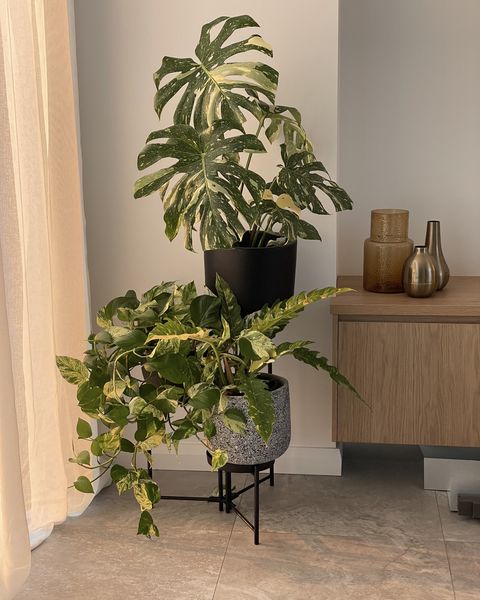
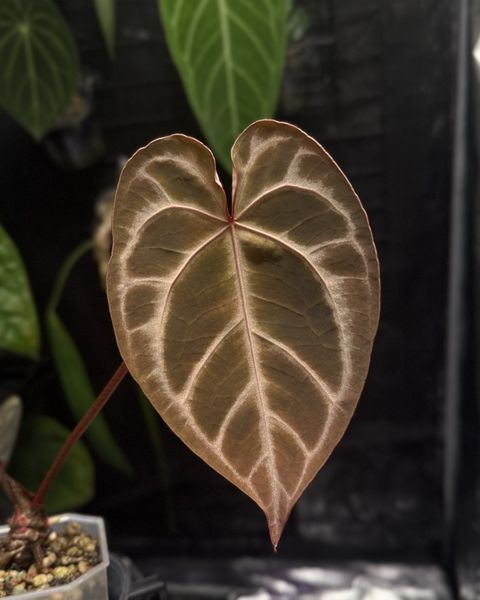
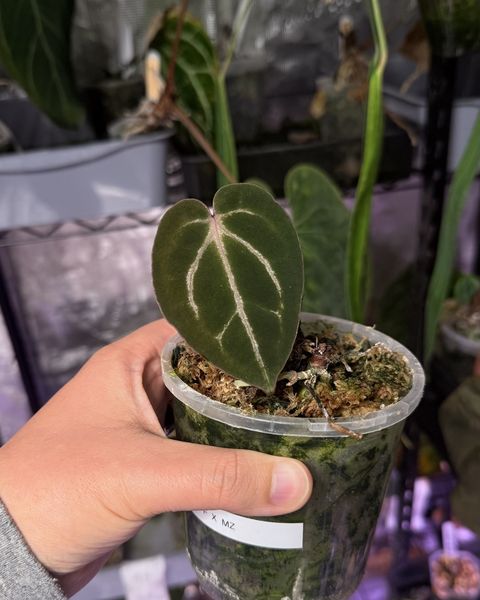
In practice
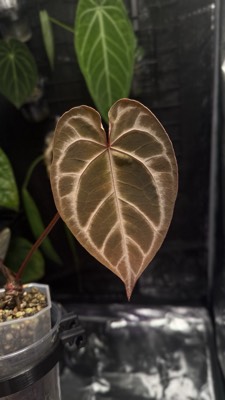
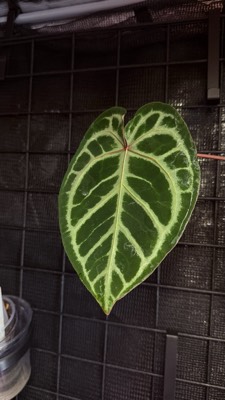
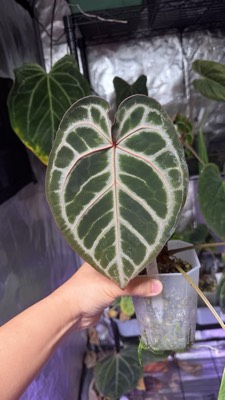
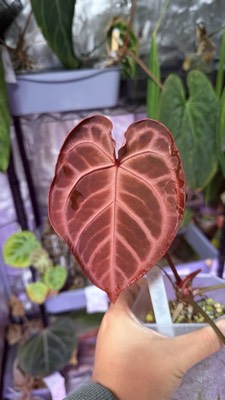
One plant, from the day it arrived.
A timeline the app builds as you go: each photo on the date it was taken, and every note, logged chore and change of status in the same list.
Good to know
- Search and sort
- Part of a name or a plant type finds it; sort by name, date added or date acquired.
- Photos, dated
- Upload as many as you want, dated by when they were taken, and choose the cover.
- Chores
- Watered, Fertilised, Repotted: one tap logs it, and nobody else ever sees them.
- Wishlist
- Plants you are after, typed or copied from a collector’s plant, with its photo.
- A label for the pot
- Print a QR label from the phone, and anyone who scans it lands on the plant’s page.
- Private by choice
- Each plant is Private, Followers or Public, and a Private plant shows to nobody but you.
Bring your collection to Diora
Free, on the App Store and Google Play.