Grapevine


Plants, as collectors add them.
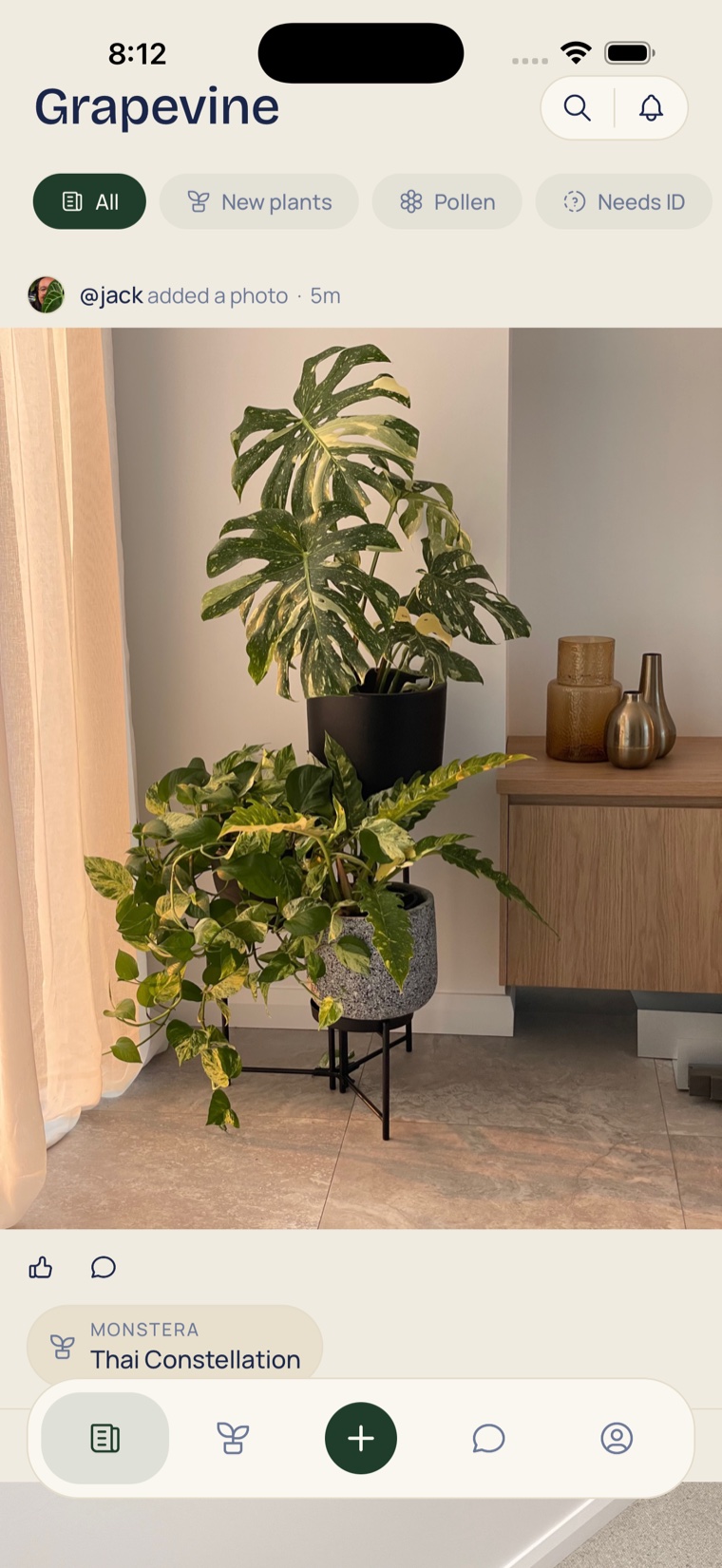
The Grapevine is a feed of what the collectors you follow are adding: new plants and photos, pollen on offer, and plants that need an ID.

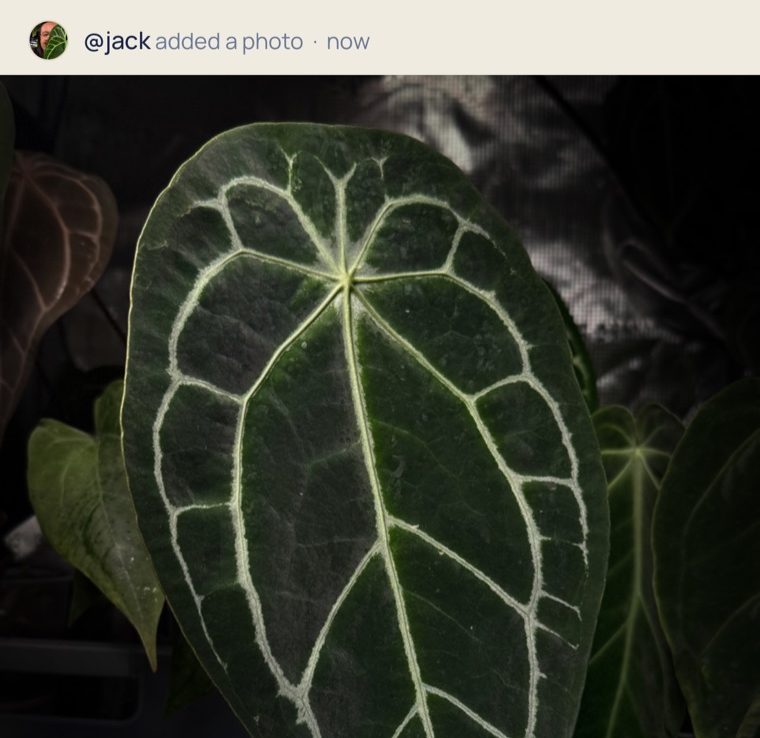
What it does
New plants
Pollen
Needs ID
Follow a collector
How it works
-
Follow
Tap Follow on any card, and that collector's new plants, photos, pollen and programs join your feed.
-
Post to Grapevine
There is no write-a-post screen: adding a plant or a photo with Post to Grapevine on is the post.
-
Filter the feed
Tap New plants, Pollen or Needs ID to see one kind of post; Filters narrows by plant type.

In practice
A plant with no name, named.
Post a plant as Needs ID, accept the right answer, and the plant is renamed with the answer credited on the card.


Good to know
- Private stays off the feed
- A Private plant never posts, and its Post to Grapevine switch stays off.
- Every post is a plant
- Each card is a plant in someone's collection, with its own page of photos and details.
- Replies and likes
- Anyone who can see the plant can like a post and reply to it.
- Messages
- Tap Message on a profile or a pollen post, and the conversation is between the two of you.
See what collectors are adding today
Free, on the App Store and Google Play.