Marketplace


Rare plant stores, one wall.
Diora reads every partner store each night and lays them out as one wall, with the price each store quotes and whether the plant is in stock.
What it does
Prices in the store's own currency
In stock, or marked sold out
New listings once a day
Stores that ship to you
How it works
-
Search the marketplace
Type part of a name, a plant type or a seller, and every store's matches fill one grid as you type.

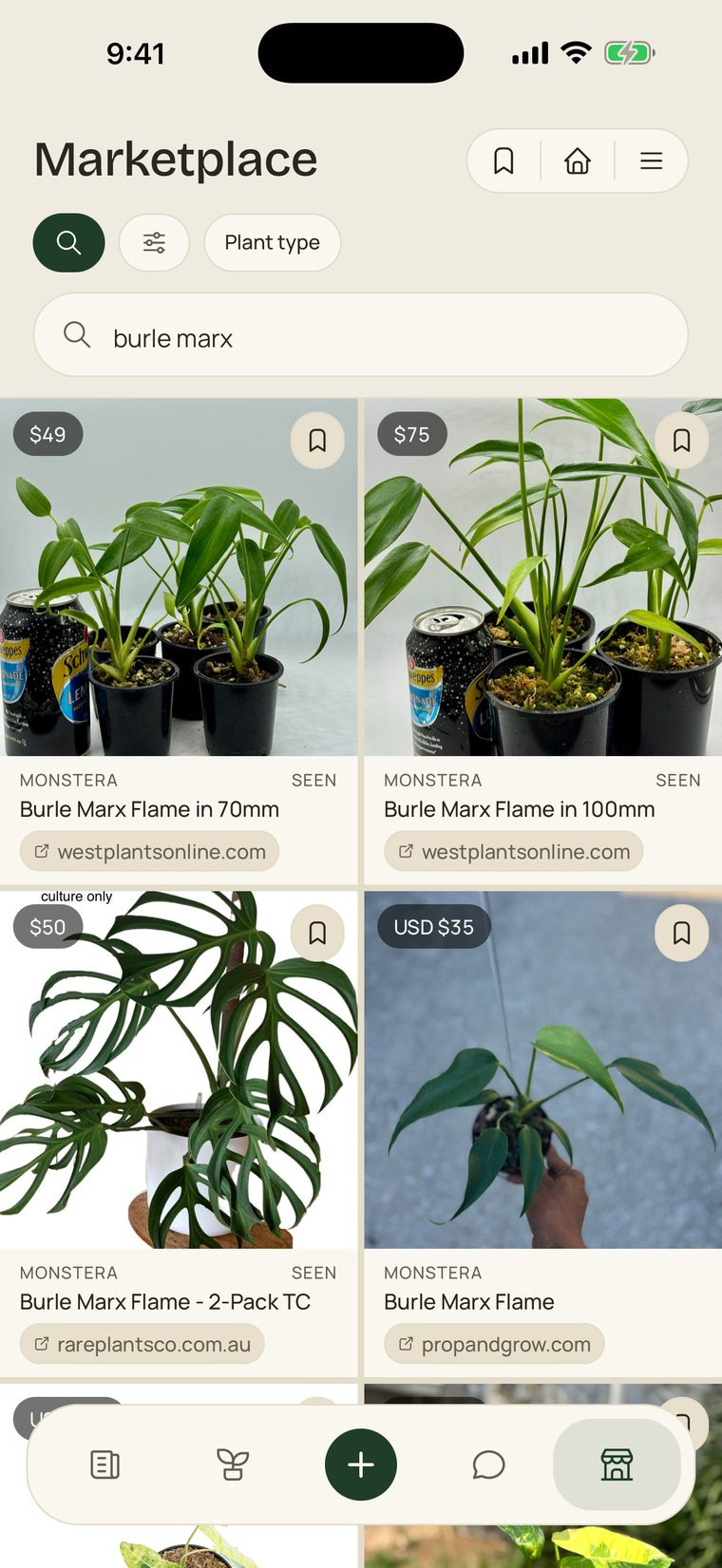
-
Follow a store
Tap Follow on a store's card, and its new listings reach your phone once a day, in the morning.
-
New listings
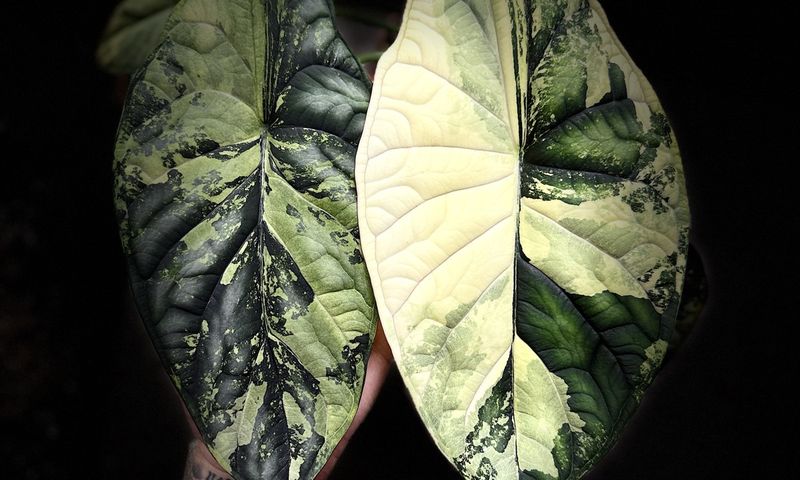
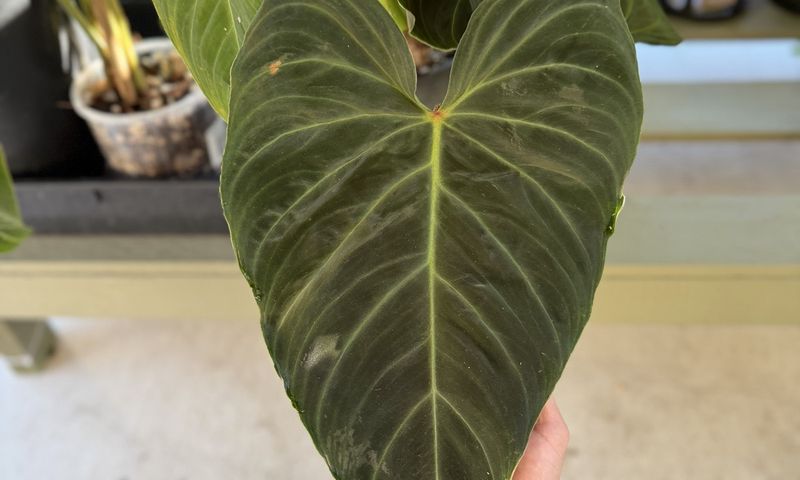
Tap it to open New listings: the plants just added, each with its price and whether it is in stock.


In practice
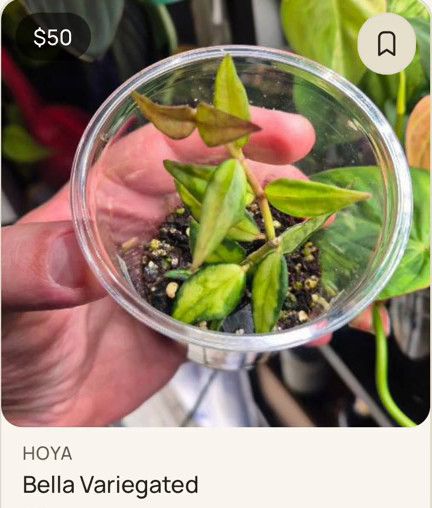
Saved, and still there when it sells.
A listing you save stays on your Saved list, and if the store sells it the row says so. Nobody is told you saved it.
Good to know
- Ships to your country
- Set once, from your phone’s region; stores that do not post to your country are hidden, and a store you follow stays.
- Once a day
- Store updates arrive as a single notification in the morning, at most, and one switch turns them off.
- View on site
- A store that publishes no price shows View on site, never a guess.
- Saving is private
- The seller is never told, and nobody else can see your Saved list.
- Collectors sell too
- Buy from a collector and the plant joins your collection with its photos and its timeline.
See what is in stock today
Free, on the App Store and Google Play.