QR labels


A label for every pot.
Pick the plants, pick a label type, print. Each label carries the plant's name and a code that opens its page when anyone scans it, with or without the app.
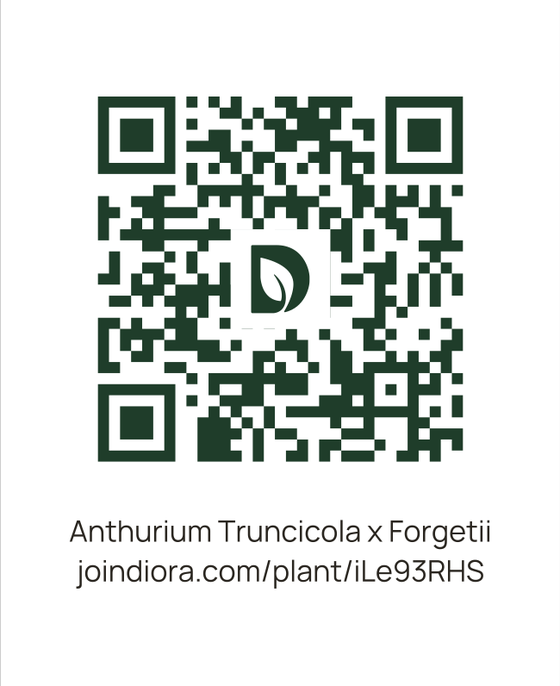 Expanded
 Thin
Thin
What it does
Print from the phone
Share the PDF
Save as an image
Scan to open the plant
How it works
-
QR codes
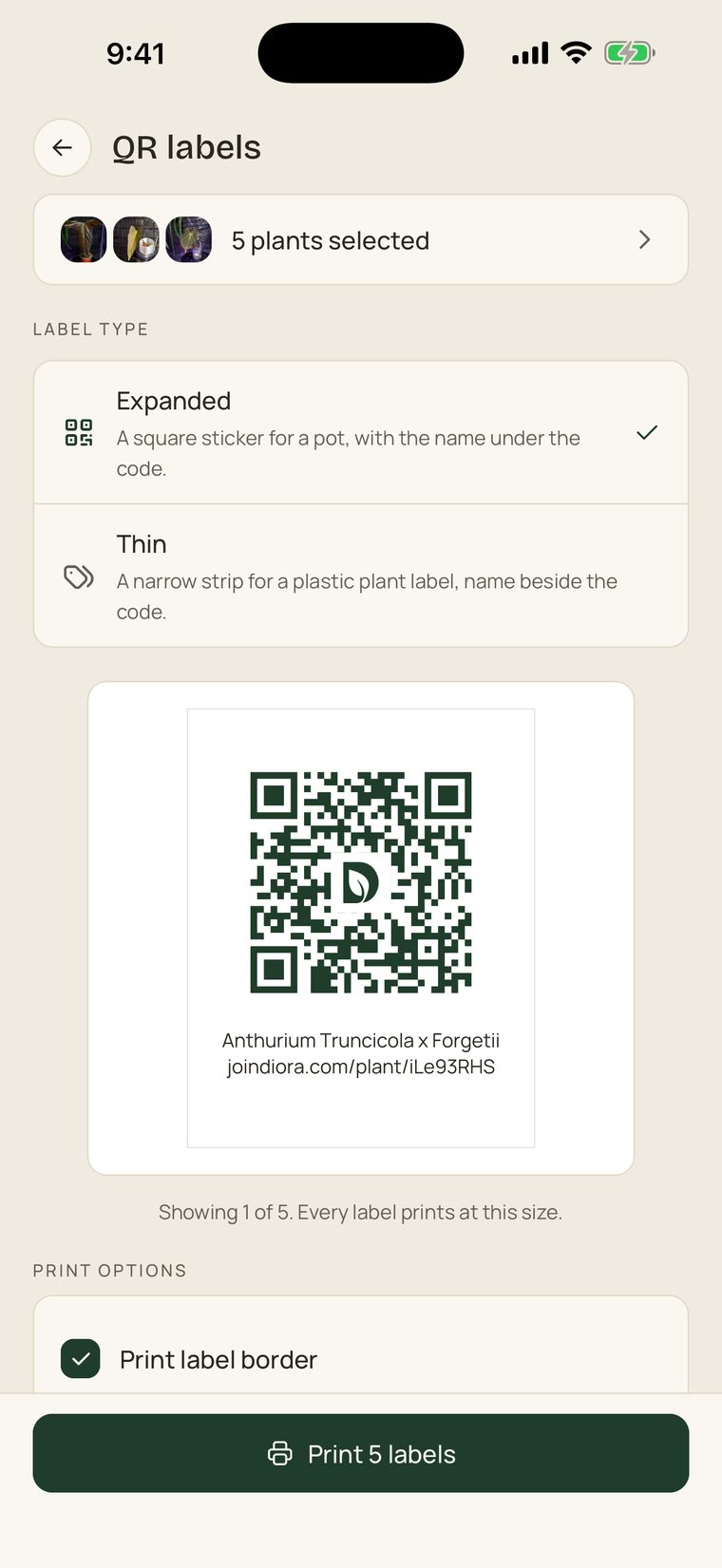
Tap QR codes, then Print plant labels with QR codes, and tick the plants.
-
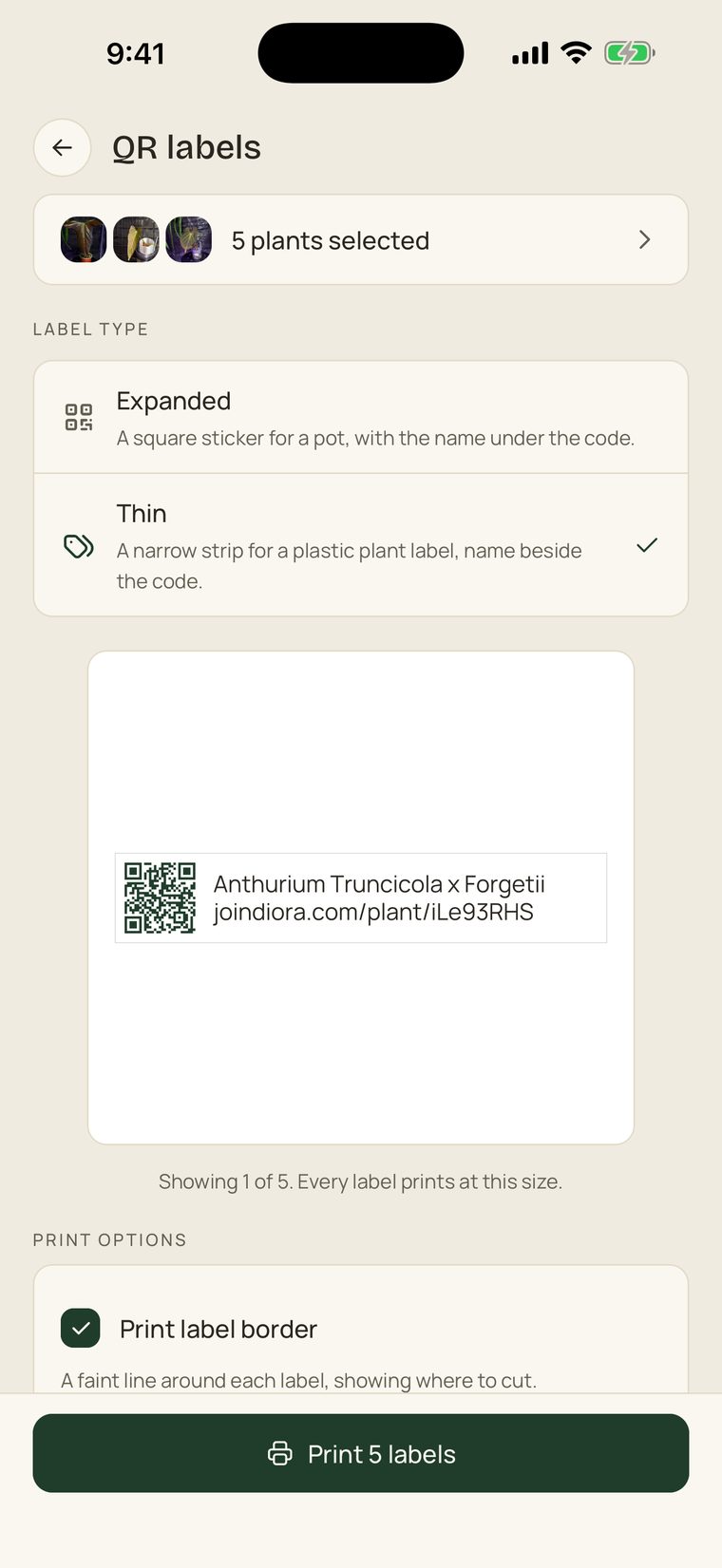
Label type
Choose Expanded for a square pot sticker or Thin for a strip that fits a plastic plant label.
-
Export
Check the preview and the number of pages, then Export, and choose Print or Share PDF to send the sheet anywhere.
In practice
@annarchystudio’s collection, labelled.
Expanded labels on a collector's clear cups and jars, in a grow cabinet and on a shelf, as they printed and used them.
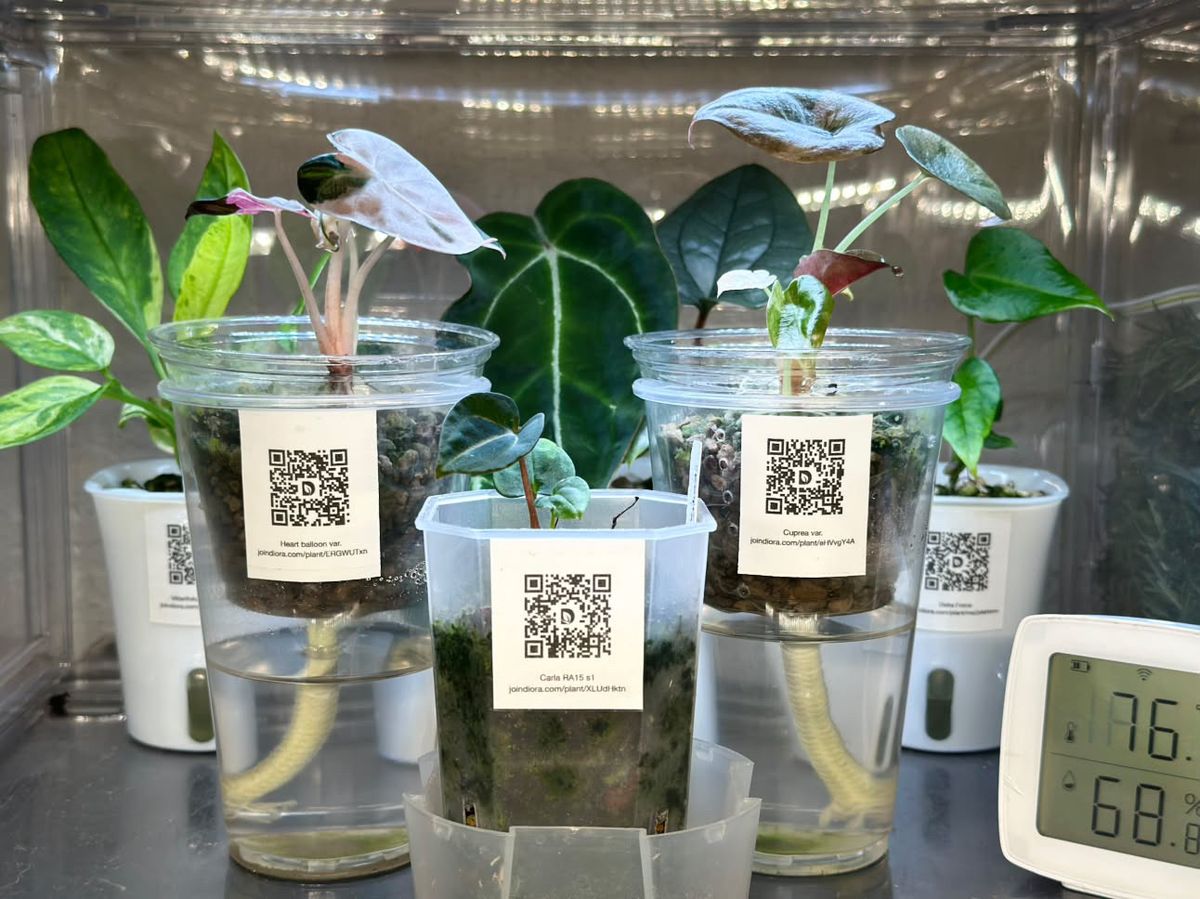
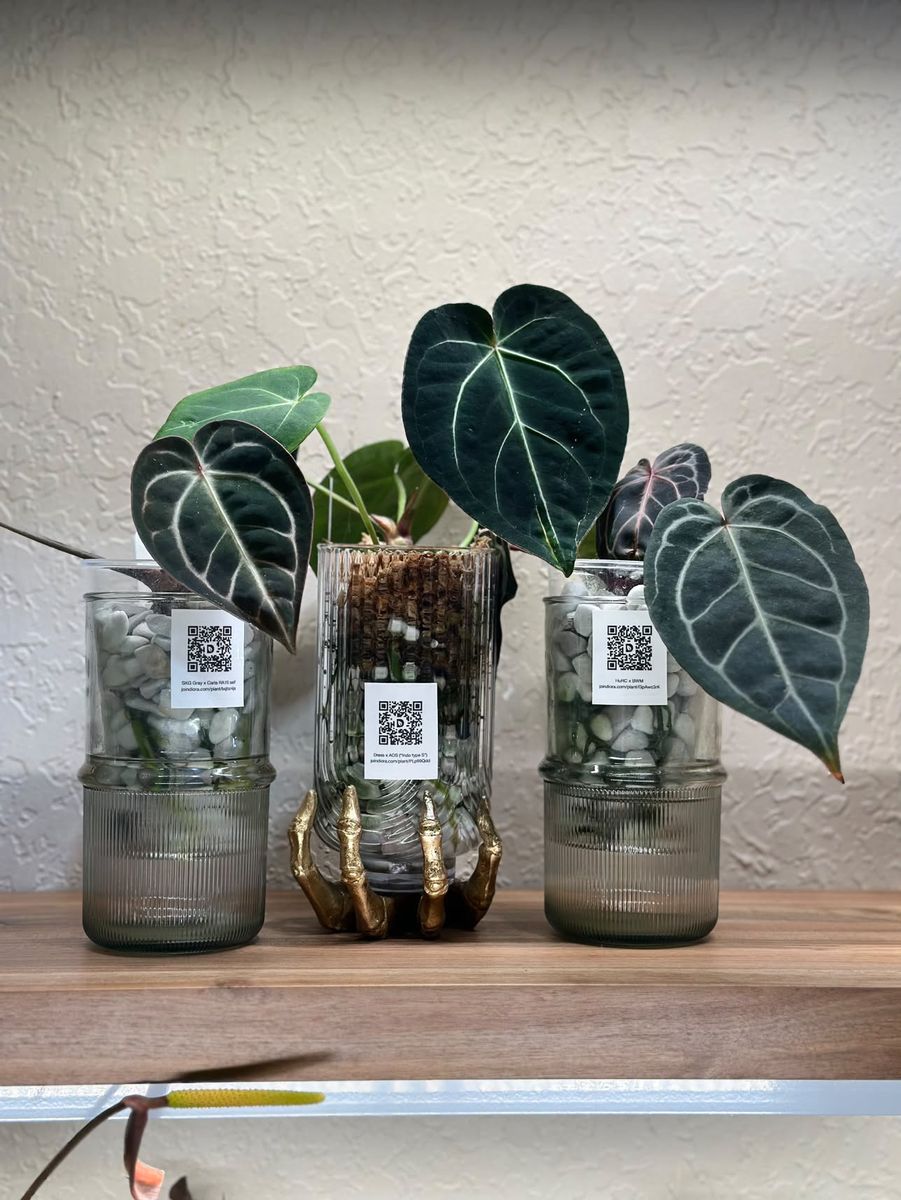
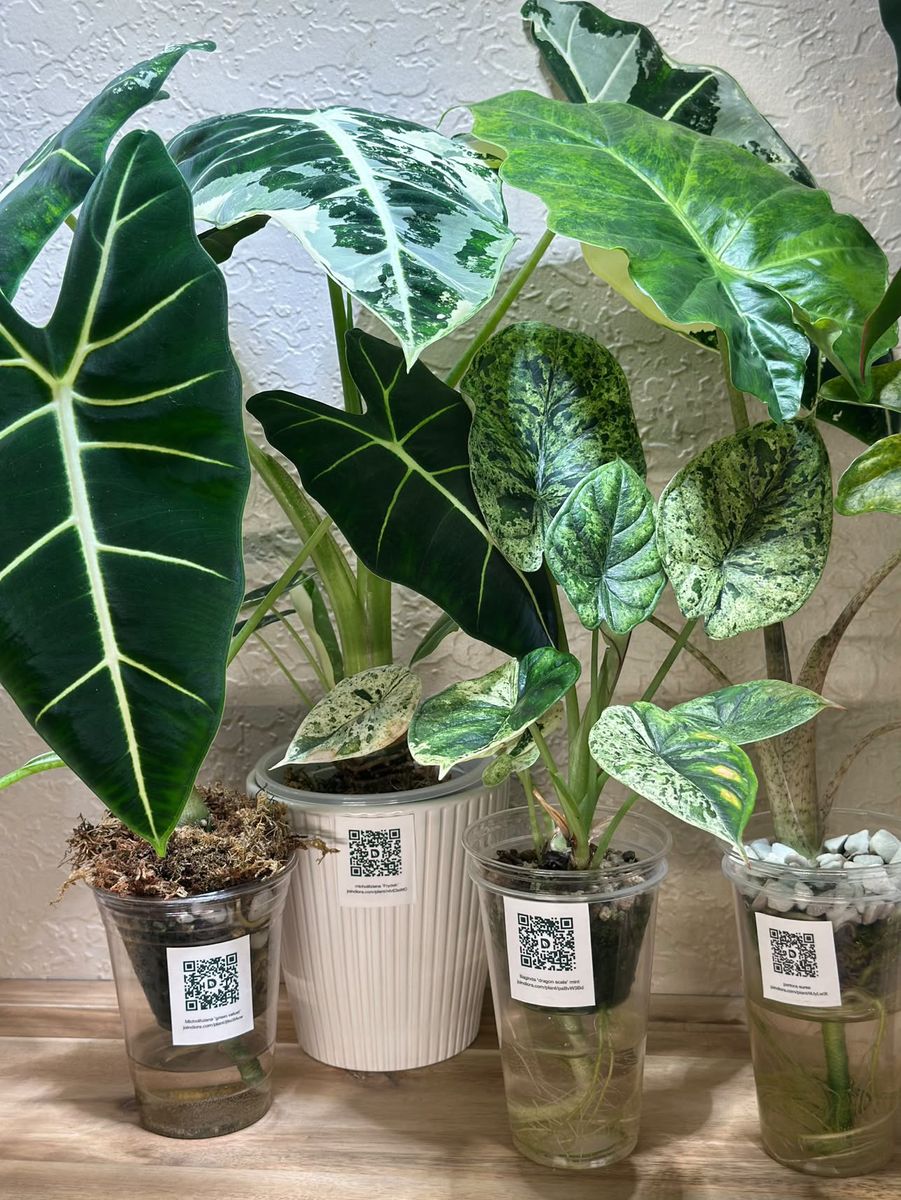
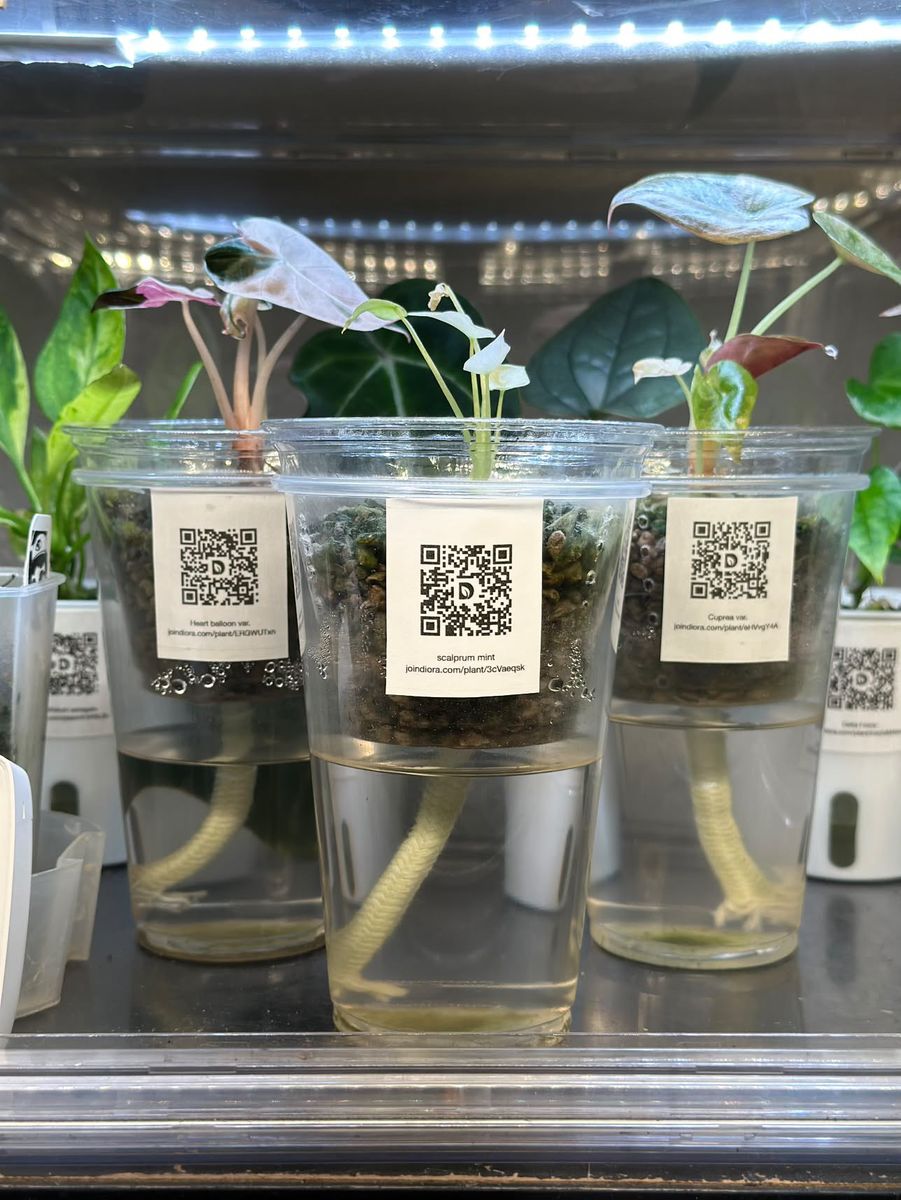
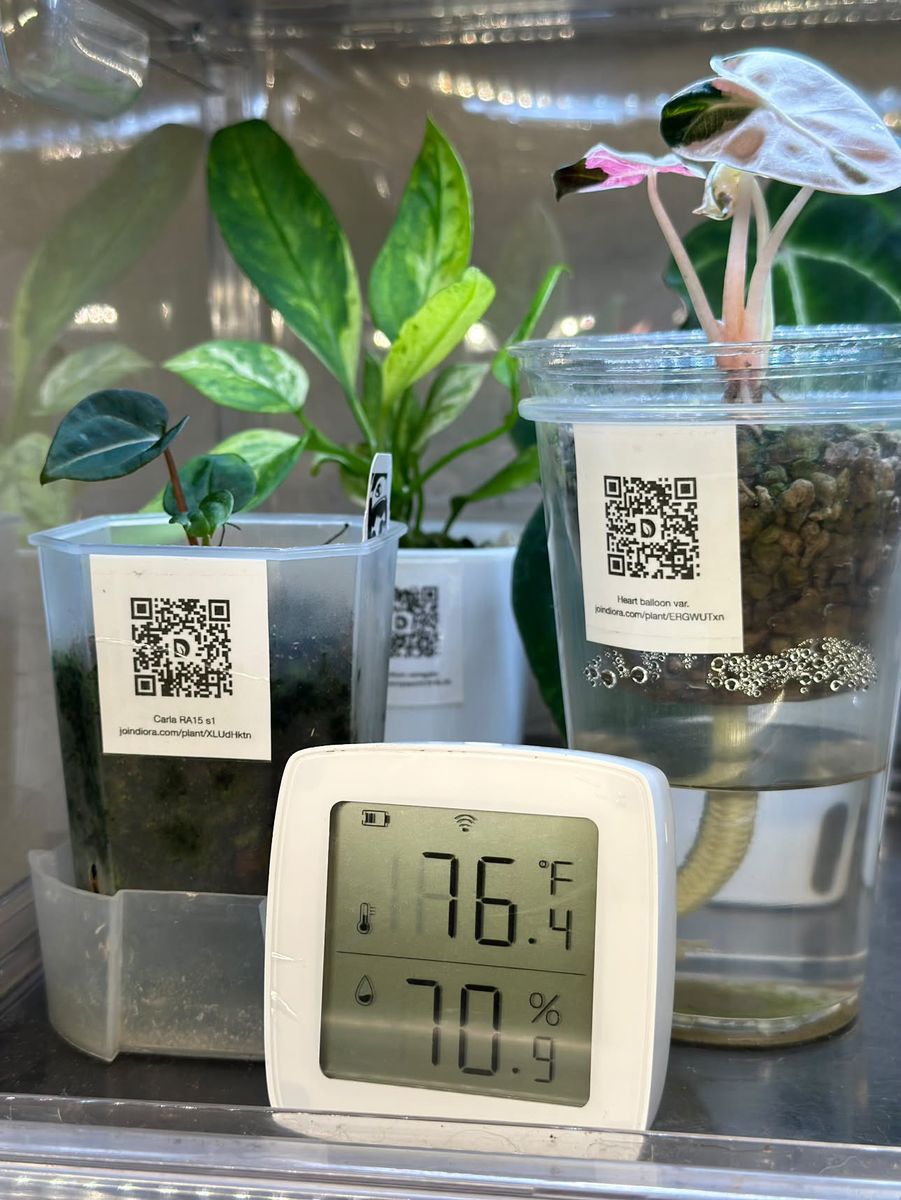
Photos by @annarchystudio.
Good to know
- Two label types to choose from
- Expanded, a square pot sticker in three sizes, or Thin, a strip for a plastic plant label.
- A4, from the phone
- A full sheet at a time, sent to a printer or shared as a PDF.
- The code is permanent
- Rename the plant and the printed label still opens it.
- Any camera reads it
- Without Diora, the page opens in the browser; signed in, the plant opens in the app.
- Print options
- A faint border to cut along, and the plant type on the label or the name alone.
- Your notes stay yours
- The page shows the photos, the name, the status and where it came from, and never your notes, chores or care labels.
Print a label for every pot
Free, on the App Store and Google Play.